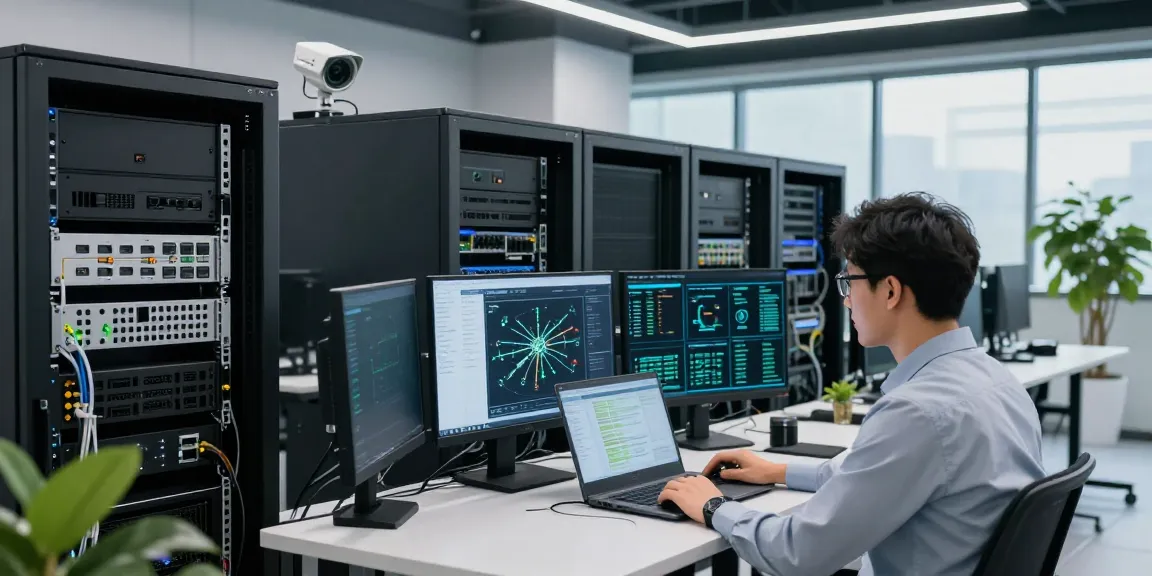
Understanding Remote Patching and Monitoring for Endpoints
Definition and Importance
In the rapidly evolving digital landscape, organizations face an increasing number of cybersecurity threats and risks. Remote patching and monitoring for endpoints has emerged as a critical strategy for IT security management. This approach involves the ability to update and manage software applications on servers, computers, and other networked devices without requiring physical access to those devices. As businesses continue to adopt remote work models, the significance of these processes grows, allowing for ongoing protection and system efficiency.
Remote patching refers to the automated deployment of patches to software applications across various endpoints. These patches may include security updates, bug fixes, and feature enhancements. By leveraging Remote patching and monitoring for endpoints, organizations can ensure that their systems are up-to-date, hardened against vulnerabilities, and compliant with industry standards.
Key Components of Effective Remote Patching
Effective remote patching hinges on critical components that together create a robust approach to system management.
- Automation: Automating the patch management process ensures timely deployment and reduces the burden on IT teams. Automated systems can schedule patching during off-peak hours to minimize disruption.
- Inventory Management: Keeping an updated inventory of software applications and their versions is crucial. This data helps IT teams prioritize patches based on urgency and relevance.
- Testing Environment: Establishing a testing environment allows IT teams to assess patches before widespread deployment. This step is vital to prevent any compatibility issues that could hinder business operations.
- Reporting Tools: Having robust reporting capabilities enables organizations to track patch status across all endpoints, ensuring compliance and visibility during audits.
How Remote Monitoring Enhances Security
Remote monitoring complements patch management by providing real-time visibility and control over endpoints. It encompasses tools and techniques designed to track the status, performance, and security health of devices connected to the network. Some key enhancements include:
- Threat Detection: Continuous monitoring allows for the detection of unusual activities or threats in real-time, enabling rapid responses to potential breaches.
- Performance Metrics: By monitoring the performance metrics of endpoints, IT teams can identify bottlenecks and inefficiencies, leading to prompt resolution and improved system performance.
- Compliance Monitoring: Regulatory compliance requirements necessitate ongoing assessments of software updates and endpoint security. Remote monitoring ensures alignment with these regulations.
Benefits of Implementing Remote Patching and Monitoring
Cost Savings and Resource Management
Implementing remote patching and monitoring can yield significant cost savings for organizations. By automating patch management processes, IT teams can allocate resources more effectively than through manual methods, reducing labor costs. Additionally, preventing security breaches through prompt patching can save organizations from the considerable expenses associated with data loss, recovery, and reputational damage.
Increased System Security and Performance
Security is arguably the most pressing concern for IT departments worldwide. Remote patching addresses known vulnerabilities quickly, thus enhancing overall system security. As patches often contain critical security fixes, organizations that employ timely patching strategies reduce their risk of being compromised. Furthermore, the accompanying monitoring tools optimize the performance of these systems, ensuring they run efficiently and without unnecessary downtime.
Improved Compliance and Risk Management
Staying compliant with industry regulations is an ongoing challenge for many organizations. Remote patching and monitoring aid compliance efforts by ensuring that all software used within the organization is up-to-date and aligns with legal requirements. This proactive measure reduces the risk of non-compliance penalties and supports effective risk management practices.
Challenges in Remote Patching and Monitoring
Common Technical Difficulties
Despite the advantages, organizations can face various technical challenges when implementing remote patching and monitoring. One common issue is the variability in systems and devices. Different hardware and software configurations can make it difficult to apply patches uniformly across all endpoints.
Additionally, network connectivity issues can disrupt the patch deployment process, leading to incomplete installations or missed updates. Organizations must invest in reliable connectivity solutions alongside patch management to mitigate these challenges.
User Adoption and Resistance
Another challenge stems from user adoption. Employees may resist changes to their standard operating procedures, particularly if they perceive patching processes as inconvenient or disruptive. To successfully implement remote patching and monitoring, organizations must cultivate a culture of cybersecurity awareness, emphasizing the importance of compliance and maintaining security standards.
Maintaining System Compatibility
System compatibility remains a frequent hurdle. Patches designed for one version of an application may not work effectively on another, potentially leading to system failures or degraded performance. Organizations should, therefore, maintain detailed software inventories and monitor the impact of updates post-deployment actively.
Best Practices for Effective Remote Patching and Monitoring
Establishing a Patch Management Policy
A well-defined patch management policy is the cornerstone of an effective remote patching strategy. This policy should outline responsibilities, patching schedules, and escalation processes for failed updates. Regularly reviewing and updating this policy will ensure it remains relevant to the organization’s evolving technological environment.
Utilizing Automation Tools
Automation tools are invaluable for streamlining patch management and monitoring processes. Systems that allow for automated testing and deployment can significantly reduce manual errors and improve deployment timeframes. Choosing the right tools based on specific organizational needs is essential for maximizing efficiency and minimizing downtime.
Continuous Monitoring and Feedback Loops
Establishing a system of continuous monitoring helps organizations to detect and react to potential issues swiftly. It creates feedback loops where IT teams can evaluate the effectiveness of patches and adjust their strategies in real time. Such practices are imperative for maintaining an organization’s security posture and operational efficiency.
Measuring Success in Remote Patching and Monitoring for Endpoints
Key Performance Metrics
To gauge the effectiveness of remote patching and monitoring efforts, organizations must utilize key performance metrics. These might include:
- Patch deployment success rates
- Time taken to deploy critical patches
- Number of vulnerabilities addressed through patches
- End-user uptime during patching
Analyzing System Performance Improvements
Barriers to system performance often stem from unpatched vulnerabilities or poorly integrated software. By regularly analyzing the system performance before and after patch deployments, organizations can make informed decisions about the effectiveness of their patching strategies and identify areas for further optimization.
Adjusting Strategies Based on Data Insights
Data insights drawn from performance assessments and monitoring reports should inform future strategies. Organizations can make better decisions about resource allocation, prioritizing patches based on their potential impact, and devising tailored training programs to increase user adoption rates.